
Screenshots
App details
- Size
- 347.78 KB
- Updated
- June 14, 2017
- Requires
- Windows 8
- Language
- English
- License
- Free
- Developer
- dreamscene-org
- Category
- Windows OS
SoftPas in:
This product is also available in the following languages:
About Windows 7 Dreamscene Installer
Download Windows 7 Dreamscene Installer – free animated wallpaper tool for Windows 7
Overview
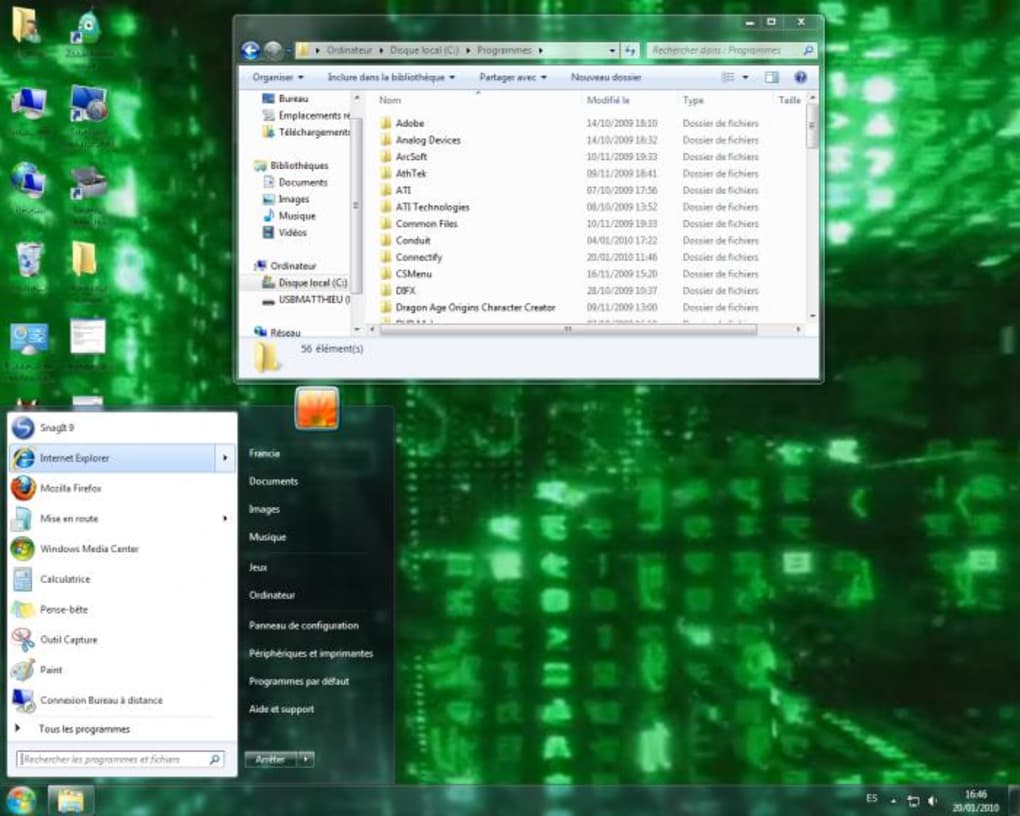
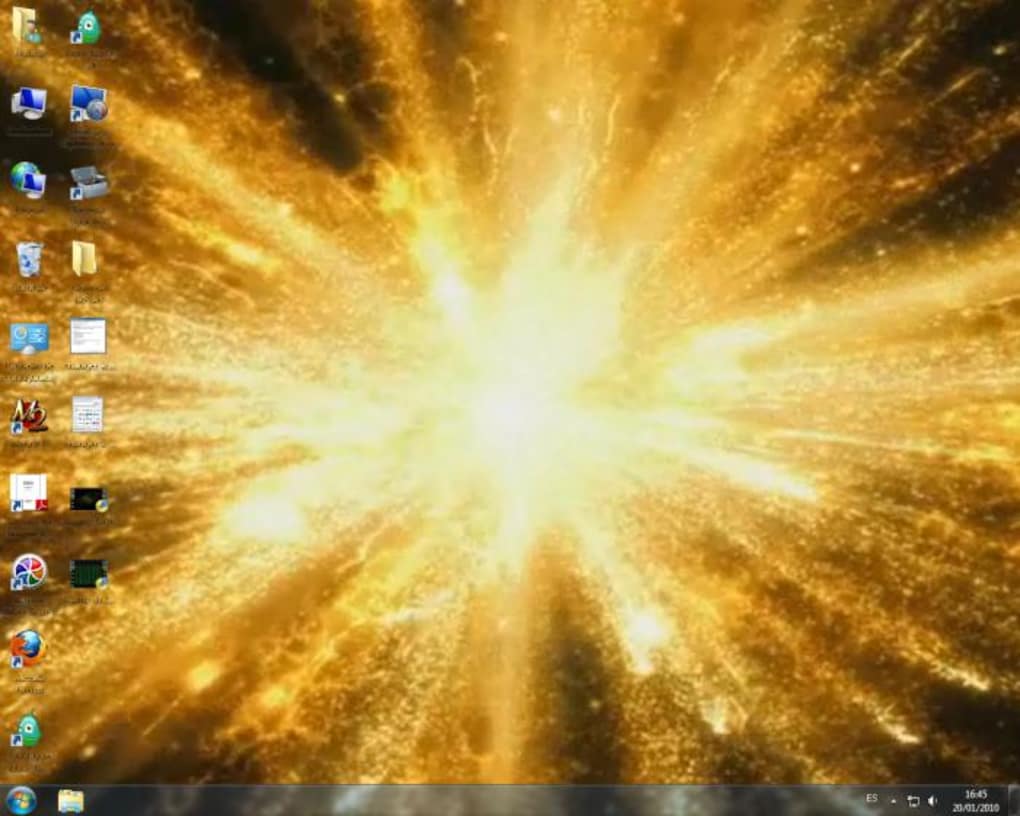
Windows 7 Dreamscene Installer is a completely free utility that brings your personal videos to life as animated wallpapers on Microsoft Windows 7 desktops and laptops. Instead of static, generic backgrounds, you can turn cherished moments—such as wedding highlights, birthday celebrations, travel clips, or favorite music videos—into moving backdrops that replay seamlessly every time you log on. The application is designed to be lightweight, leveraging the graphics processor rather than the CPU, so you get smooth playback without sacrificing system performance. Whether you’re looking to add a splash of personality to a home PC or inject a little fun into a work environment, Dreamscene Installer offers an intuitive, secure way to customize your visual workspace. The tool is compatible with both 32‑bit and 64‑bit editions of Windows 7 and requires no additional paid licenses, making it an ideal choice for users who want a free, reliable solution for dynamic desktop personalization.
Key Features and Benefits
- Video‑based wallpapers: Use any MP4, WMV, or AVI file as a live background.
- GPU‑accelerated playback: Off‑loads rendering to the graphics card, keeping CPU usage low.
- Seamless looping: Automatic looping ensures continuous motion without stutter.
- Easy drag‑and‑drop interface: Set a DreamScene with a single drag of your video onto the installer.
- Free and ad‑free: No hidden fees, no intrusive advertisements.
- Low memory footprint: Consumes less than 50 MB of RAM during operation.
- Compatibility with Windows 7 themes: Works alongside existing visual styles and Aero effects.
- Safety‑first installation: Digitally signed installer, verified by Windows Defender.
Beyond the technical list, the real benefit of Dreamscene Installer is the emotional connection it creates. Imagine opening your laptop and instantly being greeted by a short clip from your latest vacation, a family gathering, or even a motivational music video. This personal touch can boost mood, spark conversation, and make long workdays feel a little brighter. For creative professionals, the tool can also serve as a quick portfolio showcase—displaying motion graphics or short demos right on the desktop without launching separate applications.
The installer also respects power‑saving settings; if your PC is set to a low‑power mode or battery saver, Dreamscene will automatically pause playback to extend battery life, then resume once the system returns to normal performance. This intelligent behavior ensures that the animated background never becomes a source of frustration on laptops or older machines.
Installation, Usage Guide & System Compatibility
Step‑by‑Step Installation
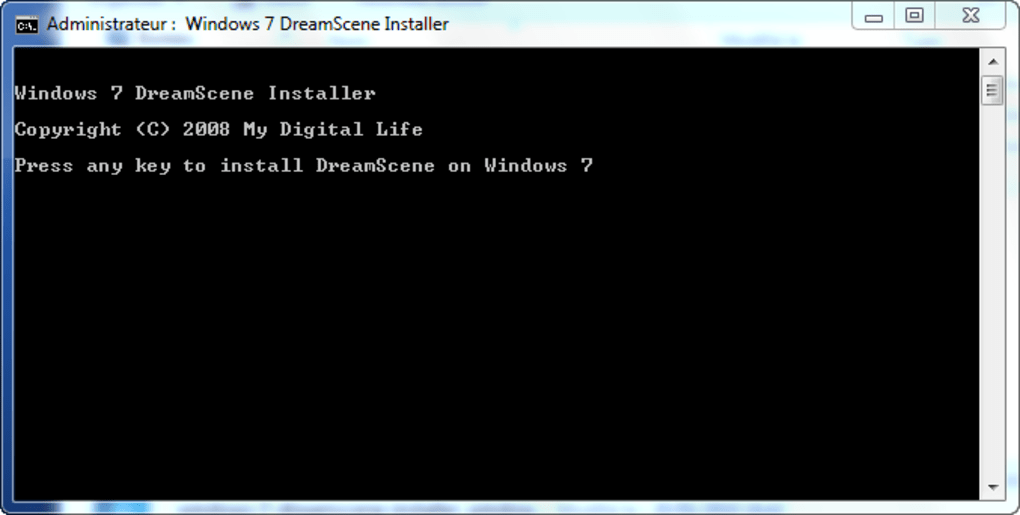
- Visit the official download page and click the Download Dreamscene Installer button.
- Save the
DreamsceneInstaller.exefile to a convenient location (Desktop or Downloads folder). - Right‑click the file and select Run as administrator to grant the necessary permissions.
- The wizard will guide you through a brief license agreement; accept to continue.
- Choose the default installation folder (recommended) or specify a custom path.
- Click Install. The process typically finishes within 30 seconds.
- When the installer finishes, click Finish to launch the application automatically.
How to Set a DreamScene Wallpaper
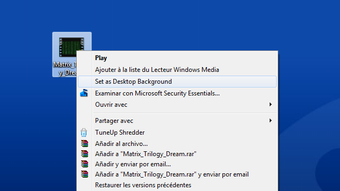
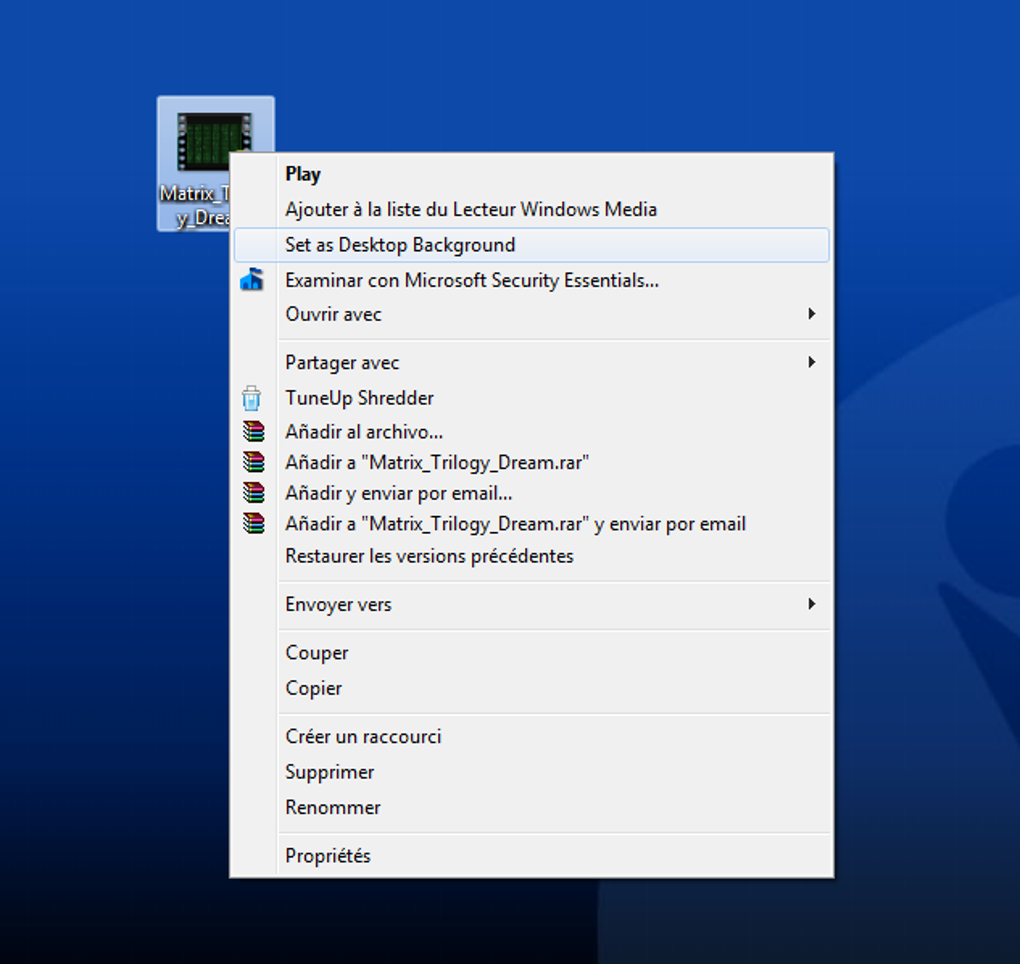
Once the program is open, you’ll see a clean window with a large Drop Video Here area. Simply drag your chosen video file onto this zone, or click the Browse button to locate it manually. After the video loads, a preview thumbnail appears, and you can adjust optional settings such as Start with Windows and Mute audio. Click Apply and Windows will instantly replace the static background with your moving video. The change is immediate, and you can revert to any classic wallpaper at any time via the same interface.
Operating System Compatibility
Windows 7 Dreamscene Installer is built specifically for Microsoft Windows 7 (both 32‑bit and 64‑bit editions). It does not support later Windows versions (e.g., Windows 10 or 11) because those OSes have native support for video wallpapers. For users on Windows 7 Service Pack 1 or later, the installer works flawlessly, provided that the graphics driver is up‑to‑date and supports DirectX 11 or higher.
Pros and Cons
Pros
- Completely free with no hidden costs.
- GPU‑accelerated, ensuring smooth playback.
- Supports a wide range of video formats.
- Minimal impact on system resources.
- Simple drag‑and‑drop UI suitable for all skill levels.
Cons
- Limited to Windows 7; not usable on newer Windows releases.
- Only works with video files; cannot use GIFs or animated PNGs directly.
- No built‑in video editor; users must pre‑process videos externally.
Frequently Asked Questions
Can I use Dreamscene Installer on Windows 10 or Windows 11?
No. Windows 10 and Windows 11 already include native support for video wallpapers, so Dreamscene Installer is unnecessary and not compatible with those operating systems.
Will the animated wallpaper drain my battery on a laptop?
Dreamscene Installer uses the GPU for rendering, which is more power‑efficient than CPU rendering. Additionally, the program respects Windows’ power‑saving mode and automatically pauses playback when the battery is low.
What video formats are supported?
The installer accepts MP4, WMV, AVI, and MOV files. If your video is in a different format, convert it using a free converter before adding it as a DreamScene.
Is there any risk of malware when downloading the installer?
The official download is digitally signed and verified by Windows Defender. Always download from the developer’s website or reputable software repositories to avoid counterfeit versions.
Can I schedule different DreamScenes for different times of day?
The basic version does not include a scheduler. However, you can manually change the wallpaper at any time via the installer, or use a third‑party task scheduler to launch different videos at set intervals.
Conclusion & Call to Action
Windows 7 Dreamscene Installer remains one of the most accessible ways to transform a static desktop into a vibrant, memory‑filled showcase. Its free price tag, lightweight design, and GPU‑driven performance make it a solid choice for anyone still using Windows 7, whether for legacy business applications, gaming, or personal nostalgia. While it is limited to Windows 7 and lacks advanced scheduling features, the core experience—turning cherished videos into live wallpapers—delivers immediate visual impact without compromising system speed.
Ready to give your PC a personal touch? Download Windows 7 Dreamscene Installer now, follow the quick installation steps, and start enjoying your favorite moments every time you sit down at your computer. Experience a desktop that truly reflects who you are—one animated frame at a time.
Guides & Tutorials
How to install Windows 7 Dreamscene Installer
- Click the Download button above.
- Once redirected, accept the terms and click Install.
- Wait for the Windows 7 Dreamscene Installer download to finish on your device.
How to use Windows 7 Dreamscene Installer
This software is primarily used for its core features described above. Open the app after installation to explore its capabilities.
User Reviews
No reviews yet. Be the first to share your experience.
You may also like
more
Llama 2
Free-to-use large language model As the new addition to Meta’s arsenal of langua...

NotebookLM
Revolutionizing the note-taking and idea-generation process NotebookLM is an exp...

Github co pilot
AI-inspired software development and coding platform GitHub Copilot is a browser...

Google Gemma
Google’s lightweight AI models Introducing Google Gemma , a family of cutting-ed...

AI Image Enlarger
A free app for Windows, by ai-image-larger. AI Image Enlarger is a free software...

DALL E
AI-driven text-to-image transformation engine DALL·E is a free graphic and desig...